MOBILE APPS & CONNECTED SYSTEMS

FIELD-READY TOOLS
COMMAND-LEVEL AWARENESS

IOS AND ANDROID EXPERIENCES CONNECT AUTHORIZED FIELD PERSONNEL AND CIVILIAN REPORTING CHANNELS WITH OPERATIONAL TEAMS AND COMMAND

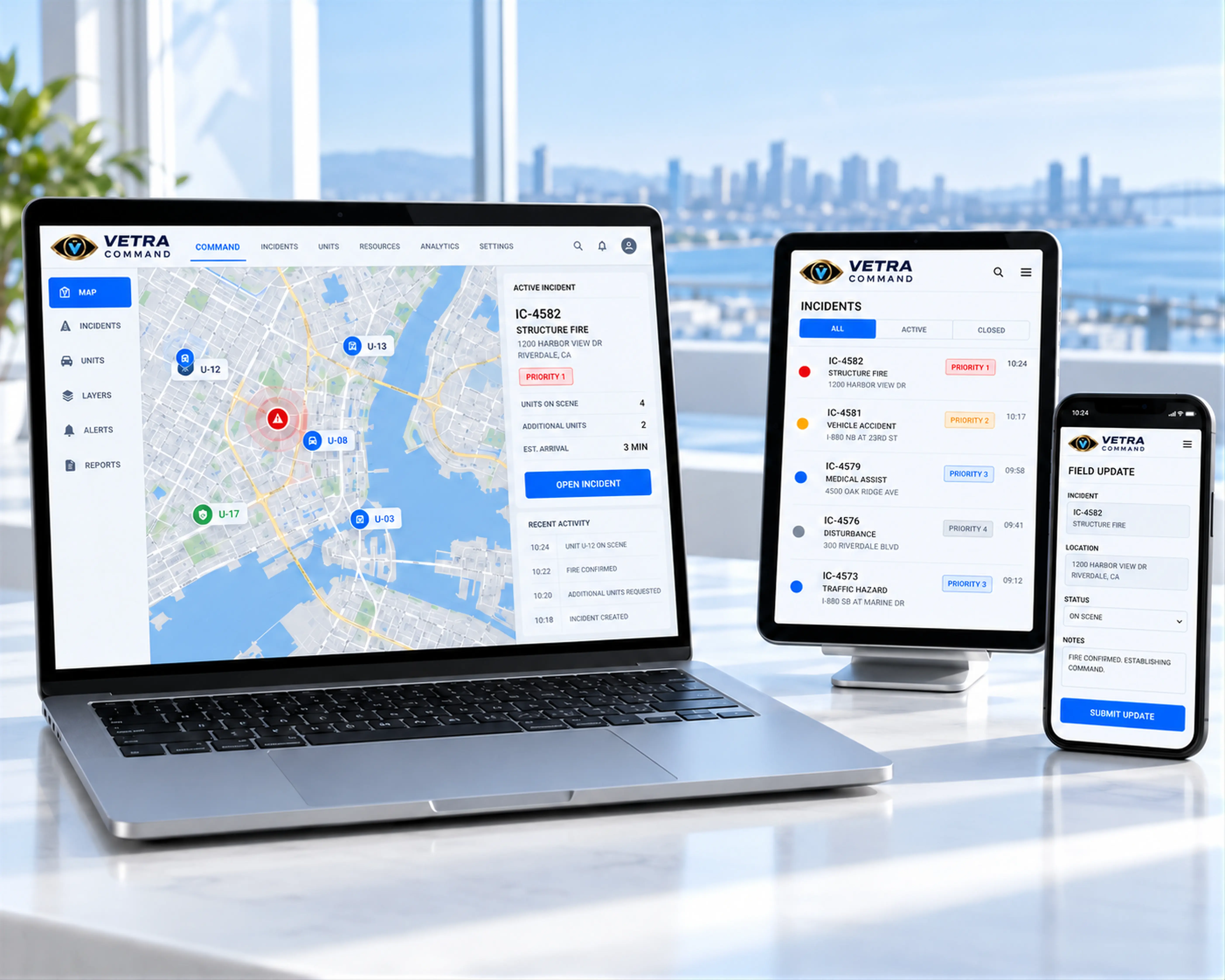
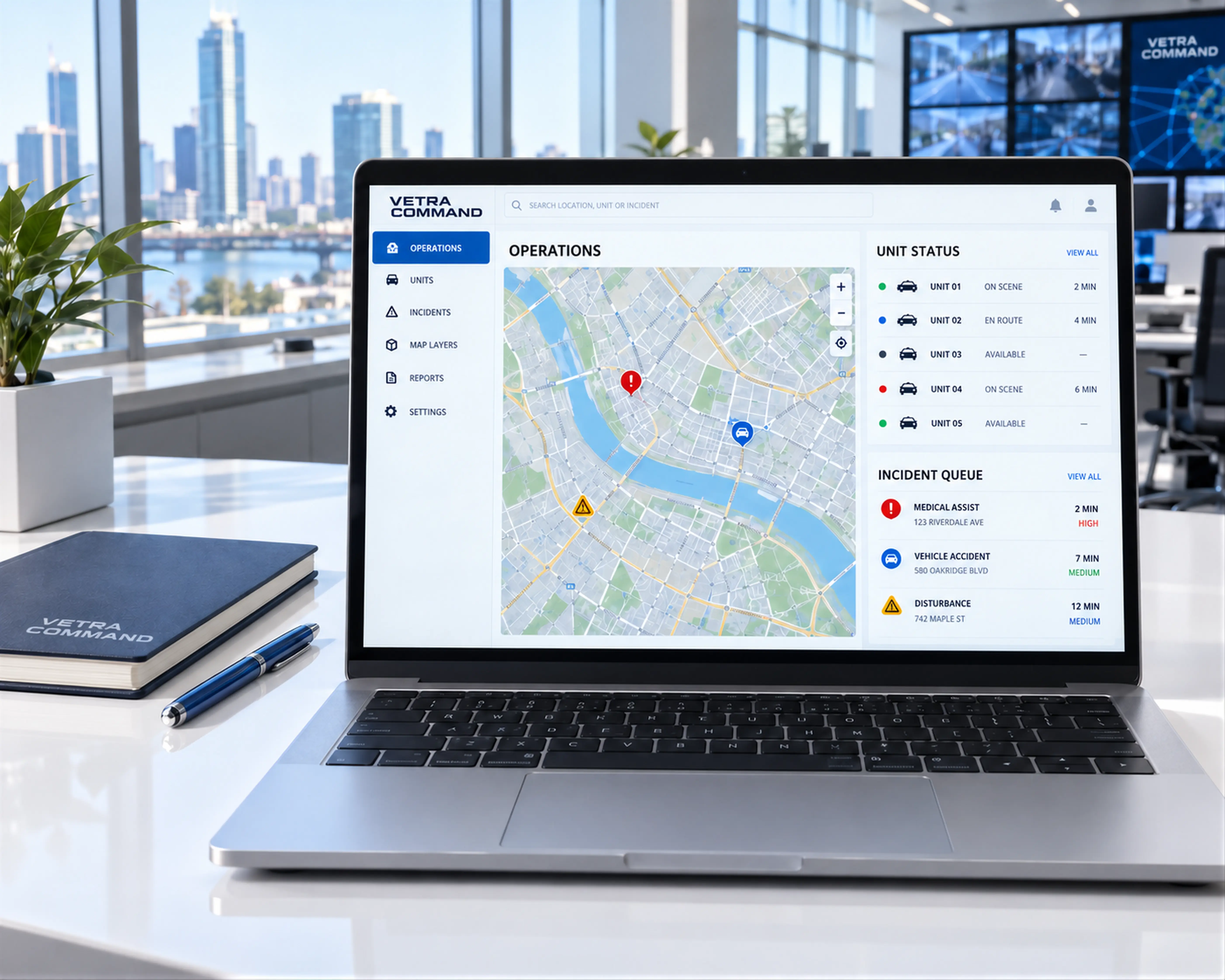
Realistic laptop tablet and smartphone with illustrative VETRA COMMAND interfaces
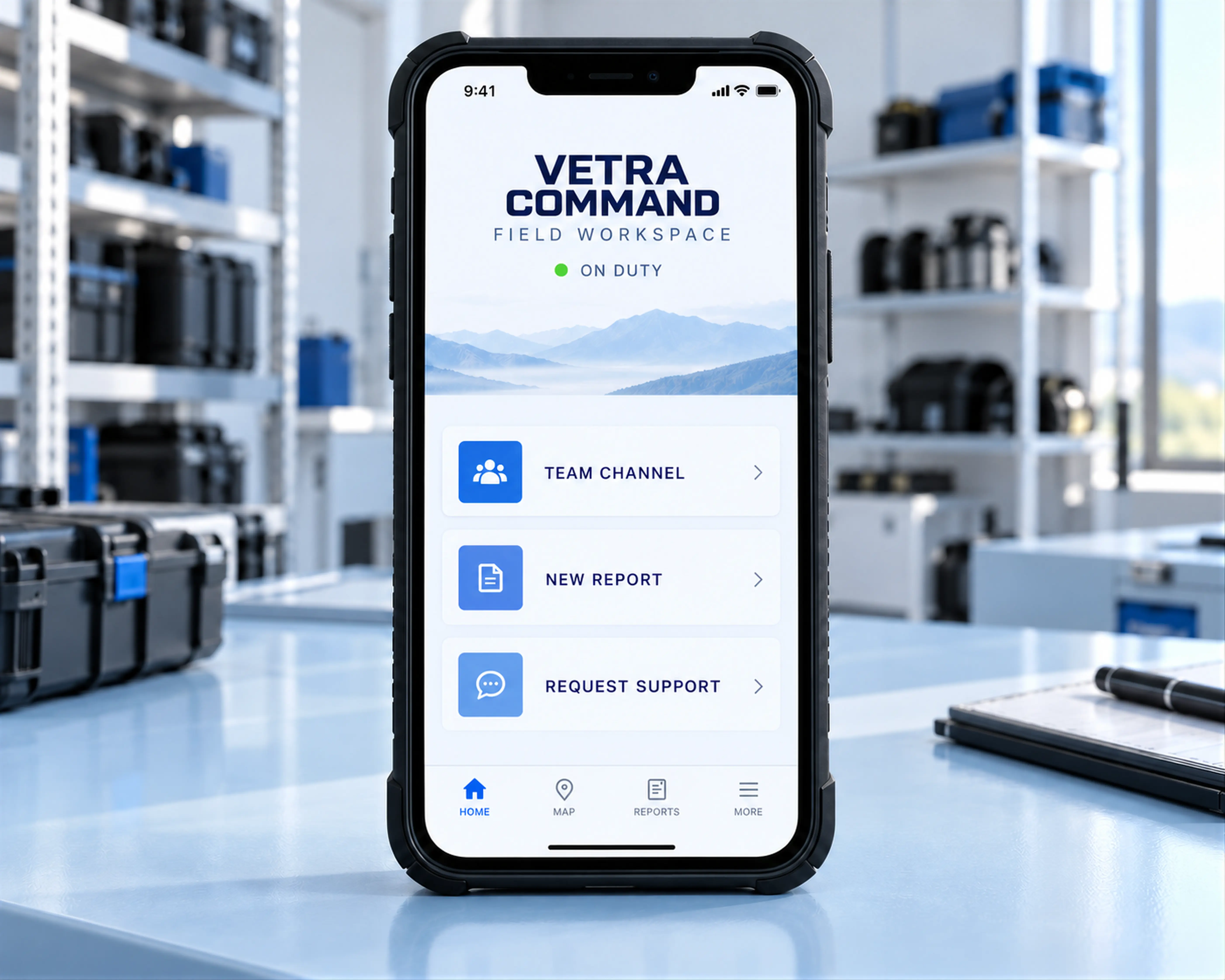
Dedicated officer interface concept with shift status and field actions

FIELD PORTAL

THE MISSION IN YOUR HAND

A field-facing experience for officers and agents to communicate, report, and request support.

  • Badge-bound authentication
  • On-duty status and shift protocols
  • Push-to-talk, encrypted chat, and voice notes
  • Camera capture and secure files
  • Live activity, GPS, and one-touch SOS
VIEW THE SECURITY MODEL

CONNECTED PRODUCTS

PURPOSE BUILT FOR
REAL WORLD OPERATIONS

FIELD COMMUNICATIONS

ONE CHANNEL SHARED CONTEXT
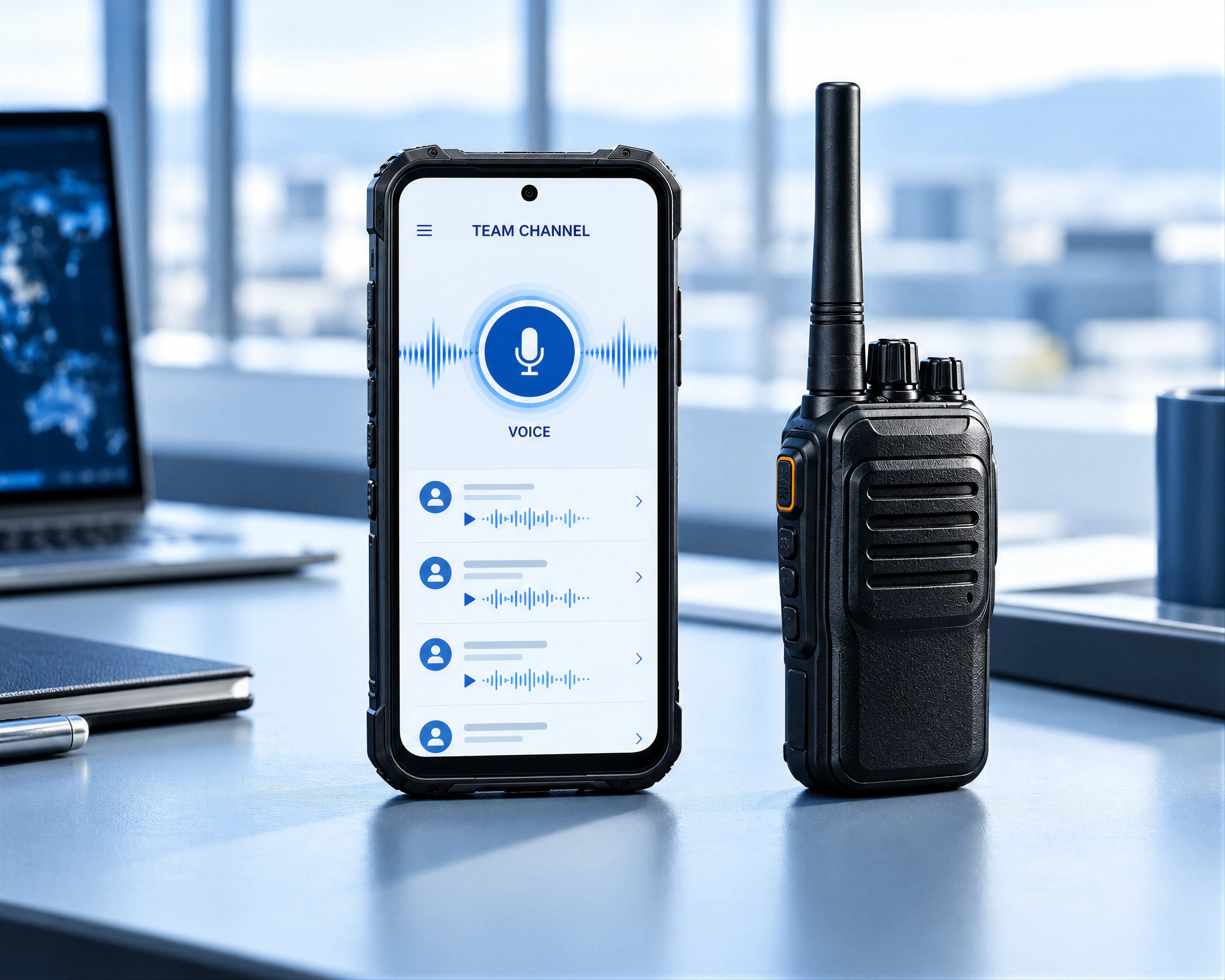
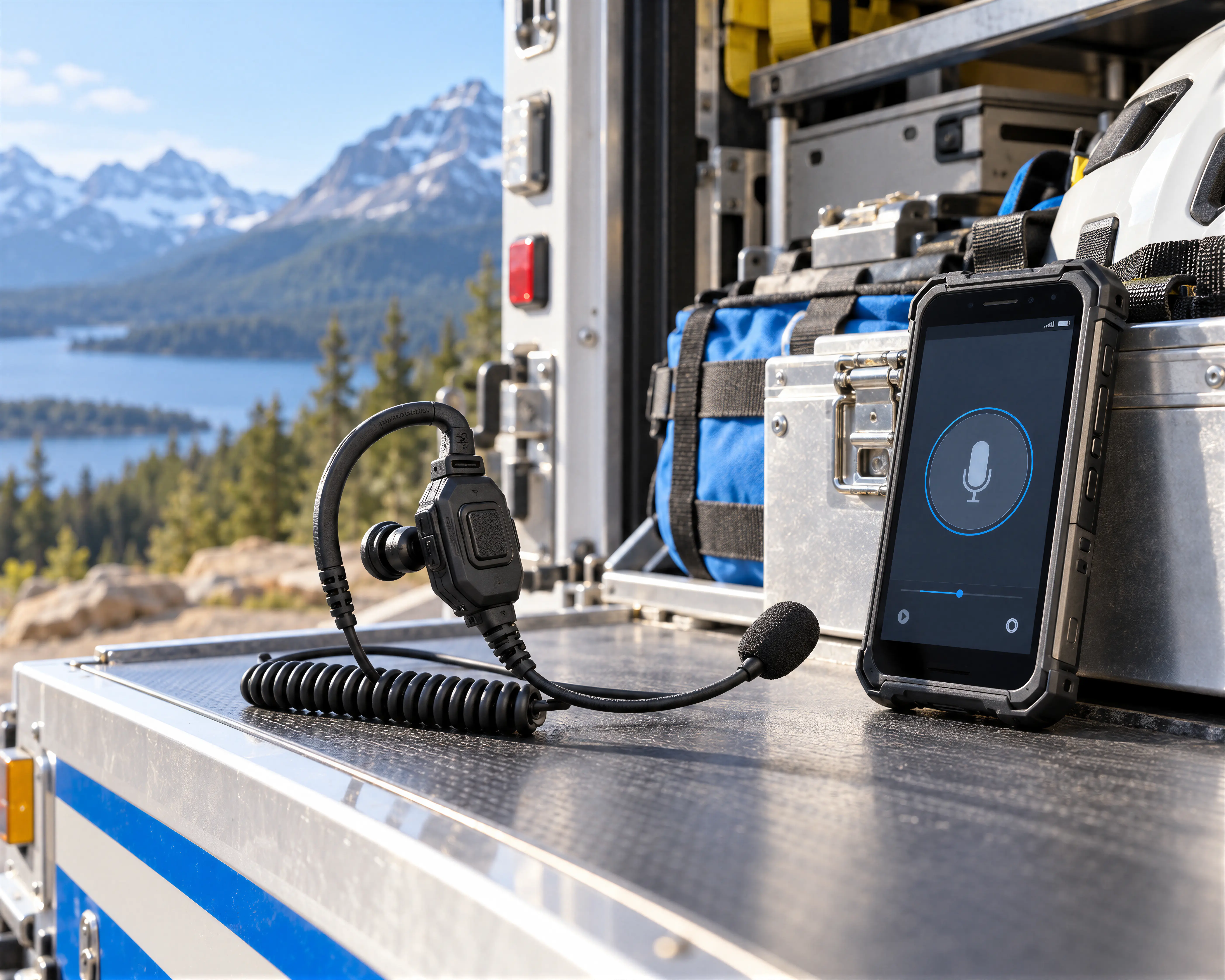
Rugged smartphone and push-to-talk radio with a communication interface concept

Bring encrypted messages, voice notes, and push-to-talk into mission-scoped conversations.

EXPLORE CAPABILITIES

CAPTURE AND REVIEW

EVERY DETAIL IN CONTEXT

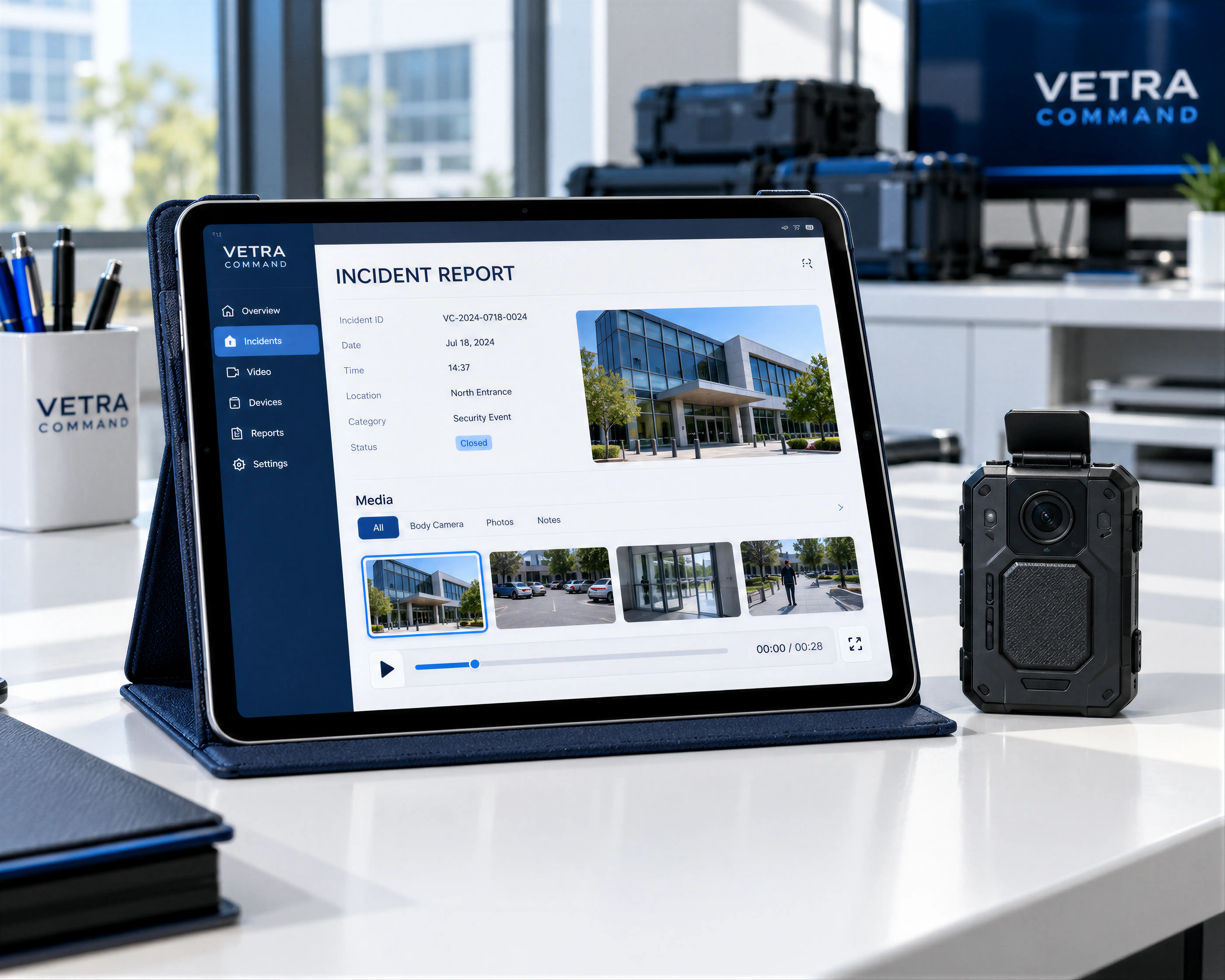
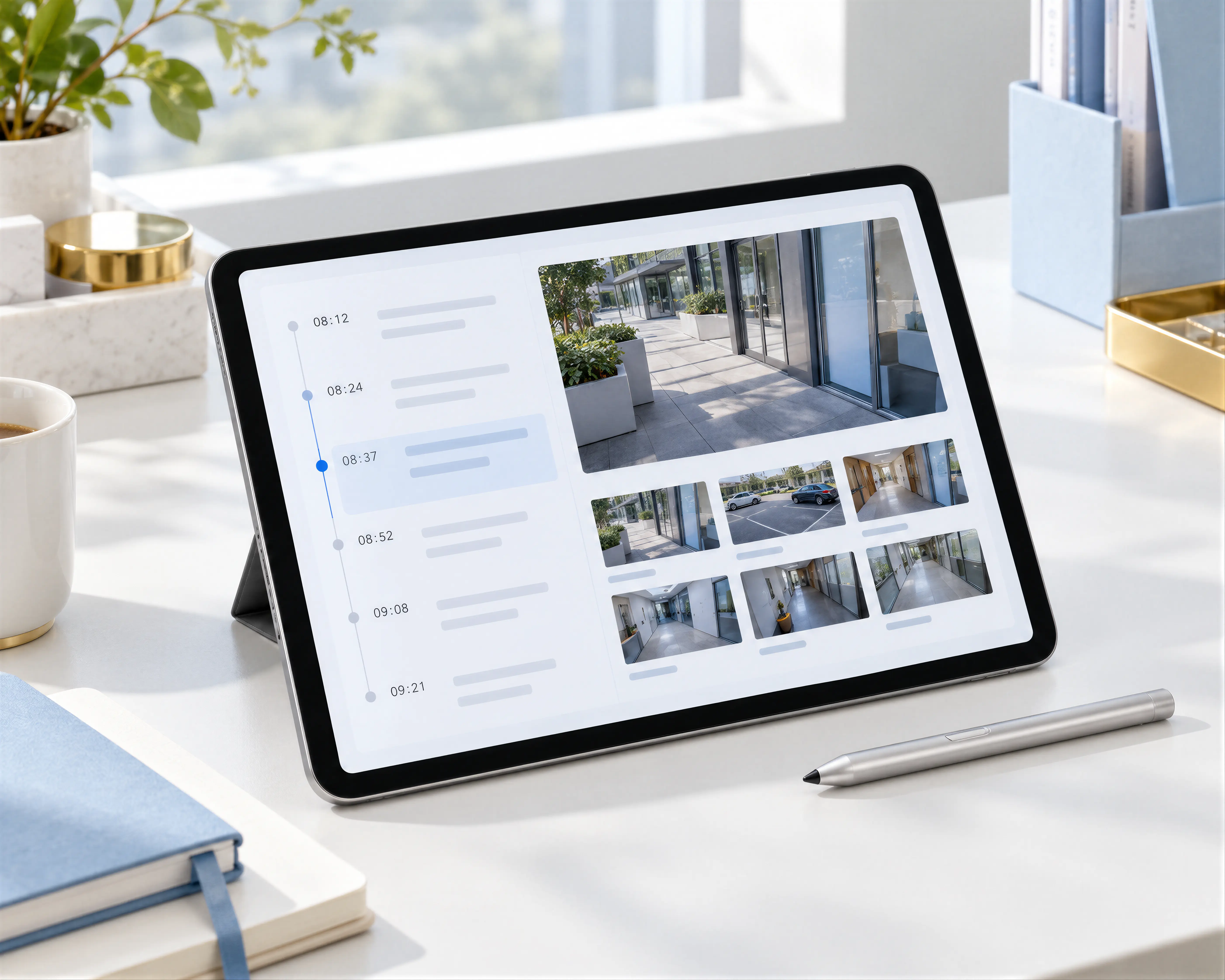
Tablet and body-worn camera with an incident review interface concept

Connect media with incident reports, location, authorship, and review permissions.

EXPLORE CAPABILITIES

A CLOSER LOOK

CAPTURE THE CONTEXT
KEEP TEAMS CONNECTED

EXPLORE THE COMMUNICATION, REPORTING, AND EMERGENCY WORKFLOWS ILLUSTRATED IN THE VETRA COMMAND PLATFORM MATERIALS

VETRA COMMANDINTERFACE CONCEPT
OPERATIONS CHANNEL
COMMAND

Confirm arrival and share the scene update with the response group

FIELD UNIT

On scene and preparing the incident report

VOICE NOTE
01

MESSAGING & VOICE

Encrypted chat, voice notes, push-to-talk, and controlled files in mission-scoped channels.

VETRA COMMANDINTERFACE CONCEPT
INCIDENT REPORT
REPORT TYPE
Field observation
LOCATION
Assigned operational zone
SUPPORTING MEDIA
Photo · Video · Voice note
VISIBILITY
Authorized response team
CONTEXT READY FOR REVIEW
02

REPORTS & INTELLIGENCE

Capture observations, photo and video evidence, and incident reports with location and authorship.

VETRA COMMANDINTERFACE CONCEPT
PRIORITY RESPONSE
SOS LOCATION INCLUDED
  1. ALERTDistress context captured
  2. NOTIFYDesignated responders informed
  3. COORDINATECommand receives the event
03

SOS & PRIORITY ALERTS

Send distress context to designated responders and supervisors through a coordinated alert workflow.

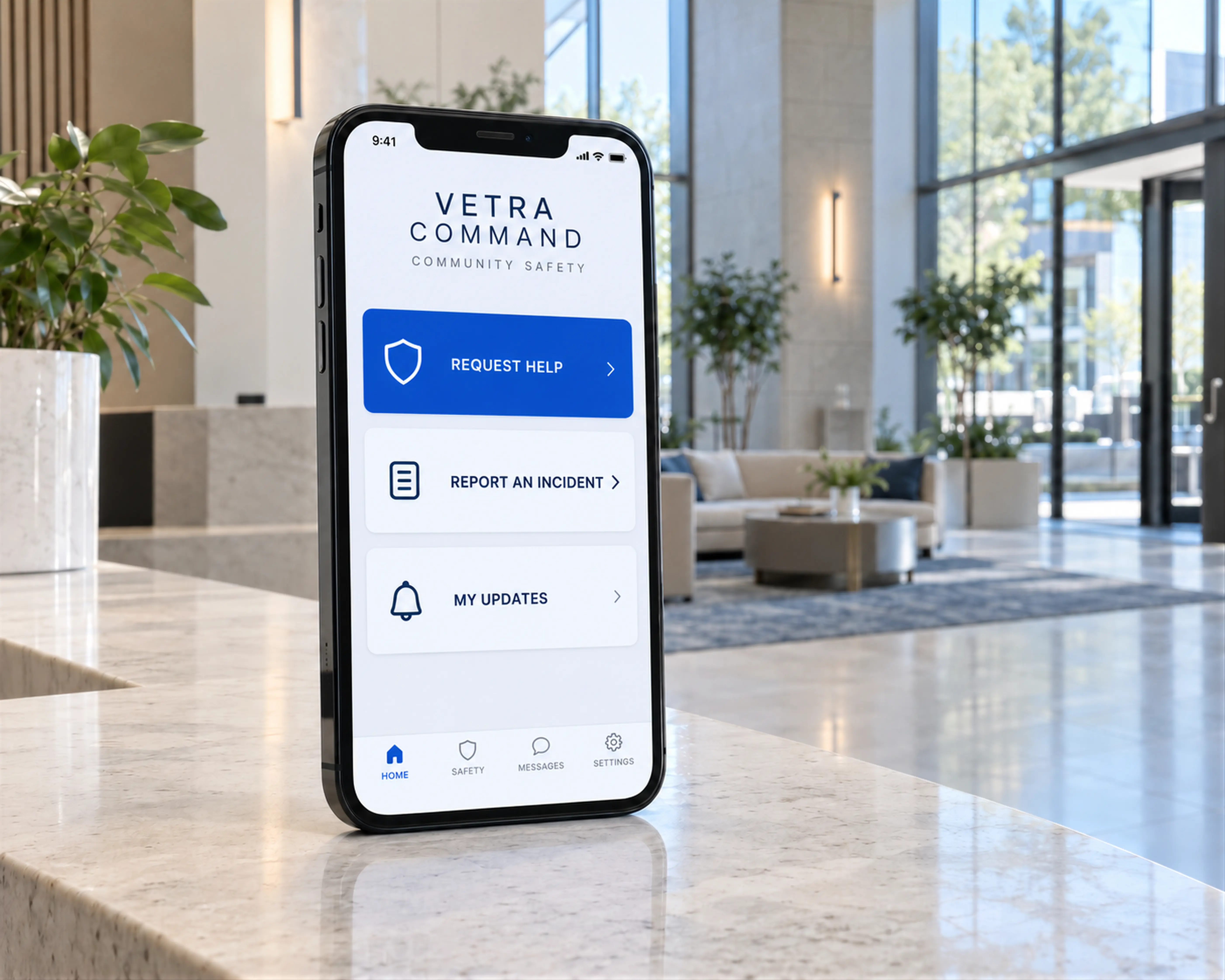
Device photography and interface excerpts are presentation concepts based on the supplied VETRA COMMAND materials. Deployed interfaces depend on agency configuration.

FROM CHECK-IN TO CLOSEOUT
TOOLS THAT FOLLOW
THE FIELD WORKFLOW

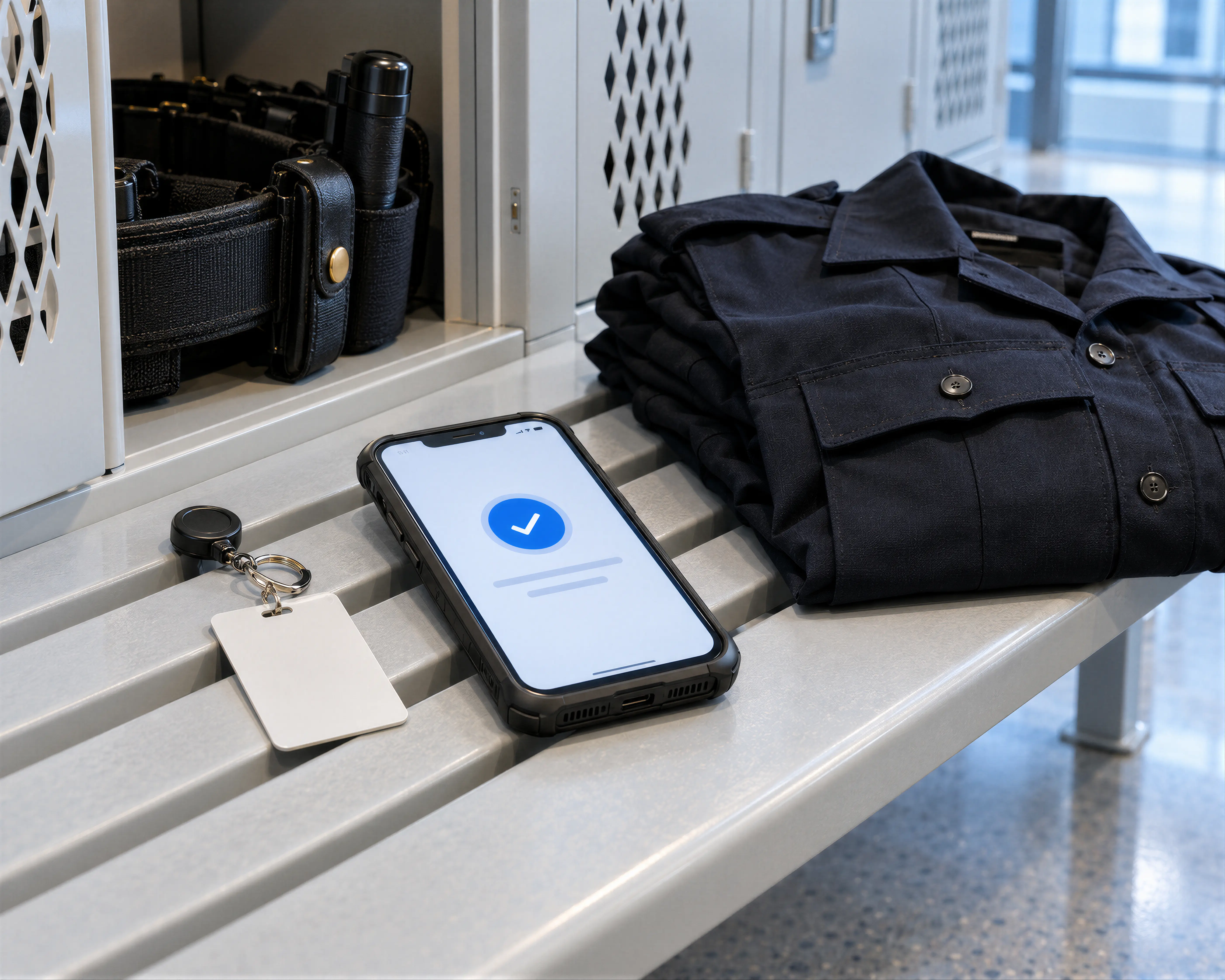
Shift check-in smartphone beside field equipment

START THE SHIFT

Establish who is on duty and what they can access.

EXPLORE 3 FEATURES
CONTROLLED PROVISIONING
Agency-controlled invitations and identity-bound access to the authorized workspace.
SHIFT PROTOCOLS
Check-in, check-out, and on-duty or off-duty status.
ASSIGNED GROUPS
Channels aligned with unit, mission, event, and geography.
Phone camera capturing a field observation

CAPTURE & REPORT

Turn field observations into structured operational context.
EXPLORE 4 FEATURES
INCIDENT TEMPLATES
Incident, violation, and observation reports.
IN-APP MEDIA
Photos, video, and voice captured inside the workflow.
LIVE VIDEO
Phone-camera and connected body-worn streams for authorized supervisors.
REPORT CONTEXT
Identity, GPS, and timestamps associated with the event.
Field voice equipment and mobile response channel

COMMUNICATE & RESPOND

Stay connected to authorized teams and supervisors.
EXPLORE 4 FEATURES
SECURE CHANNELS
Encrypted chat, PTT, voice notes, and operational files.
LIVE AUDIO
Open-mic broadcast and one-touch voice notes from the scene.
SMART ALERTS
Preferences by region, role, severity, and incident focus.
EMERGENCY OVERRIDE
Priority alert and SOS workflows for critical events.
Tablet displaying an incident review timeline

PROTECT & REVIEW

Keep operational material controlled and traceable.

EXPLORE 4 FEATURES
GALLERY CONTROLS
Restrict personal camera-roll and outside-file access.
SHARING CONTROLS
Restrict unauthorized copying, forwarding, and export.
OPERATIONAL RECORDS
Shift reports, event history, and review-ready context.
SYNCHRONIZED REVIEW
Associated video, audio, timestamps, and GPS for after-action analysis.

ONE CONNECTED RESPONSE

FROM FIRST SIGNAL
TO OPERATIONAL REVIEW

  1. 01

    DETECT

    Capture a report, SOS event, or connected-system alert with location and supporting media.

  2. 02

    ALERT

    Route the incident to designated supervisors and authorized response teams.

  3. 03

    COORDINATE

    Align personnel through shared maps, secure channels, and operational instructions.

  4. 04

    DOCUMENT

    Retain time-stamped reports and activity records for after-action review.

YOUR NEXT OPERATION

CONNECT YOUR TEAM
STRENGTHEN YOUR RESPONSE

Discuss your agency’s communications, field operations, and command requirements.

REQUEST A DEMONSTRATION

PLATFORM VISUAL

Loading image

Illustrative platform concept · OPEN FULL RESOLUTION IMAGE

VETRA COMMAND

AGENCY WORKSPACE ACCESS

CONNECT TO YOUR PLATFORM

Use the secure workspace link provided by your agency administrator.

If you need access or cannot locate your invitation, contact our team for assistance.

REQUEST WORKSPACE ACCESSVIEW ACCESS INFORMATION